Features:
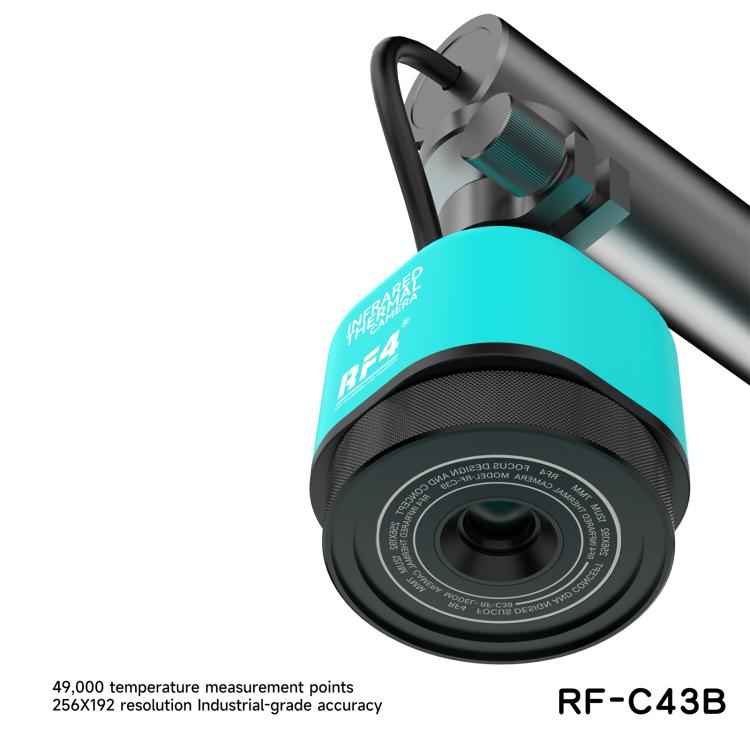
1. 49,000 temperature measurement points, 256 x 192 resolution, industrial-grade accuracy
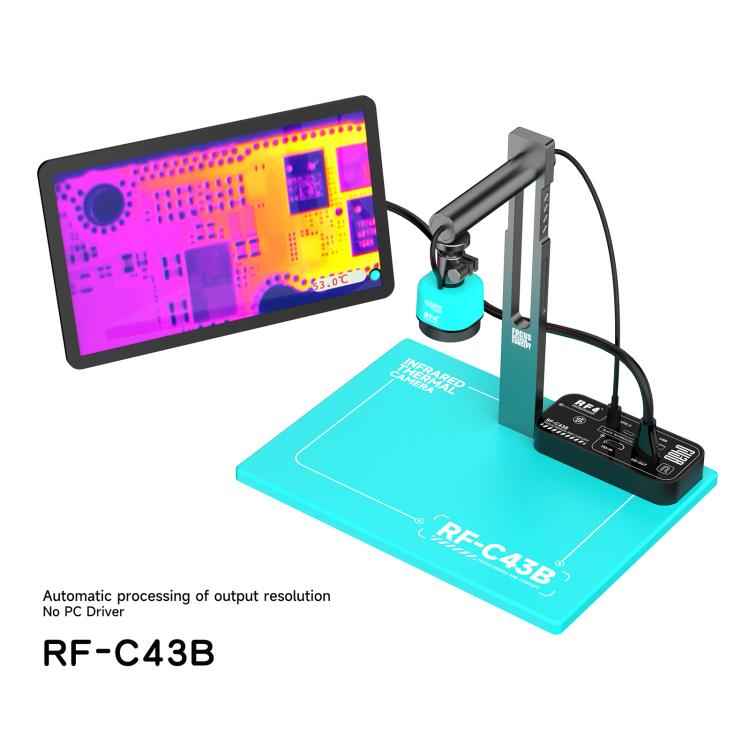
2. Two connection methods: direct connection to a monitor; compatibility with all microscope cameras on the market
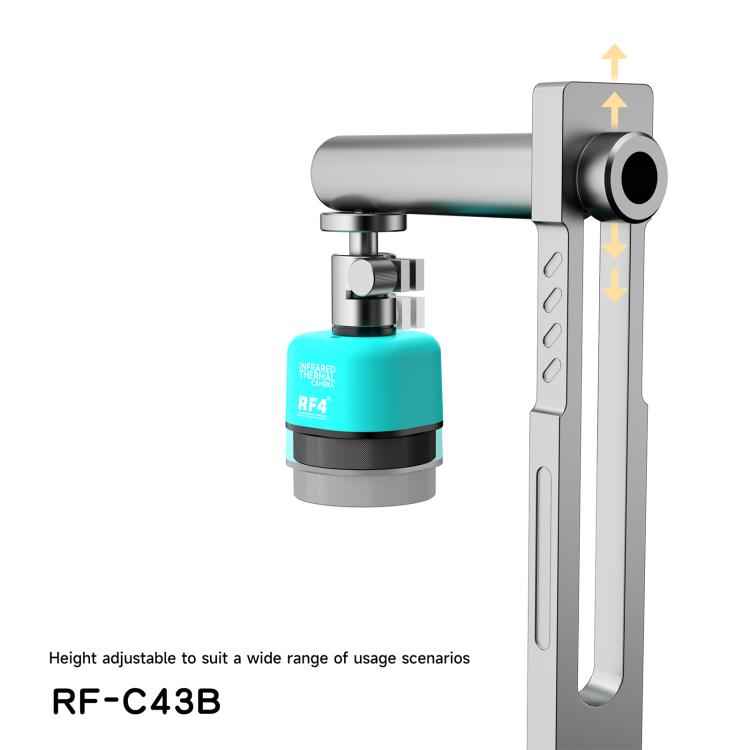
3. Height adjustable, suitable for various application scenarios
4. Suitable for connecting multiple cameras to the thermal imaging stage
5. Automatic output resolution processing
6. More professional temperature measurement, automatic tracking of high and low temperatures, more concentrated target temperature, and rapid location of motherboard faults
Preparation for Use:
1. Install the column on the base and connect the movable connecting rod to the column.
2. Pass the Type-C cable of the infrared thermal imager through the movable connecting rod and connect it to the thermal imaging stage main unit.
3. Unscrew the lens cap and install the infrared thermal imager onto the movable connecting rod (Note: Remove the dustproof film on the front of the sensor).
4. Connect the microscope camera to the thermal imager via the HD-IN interface.
5. Connect the screen to the thermal imager via the HD-OUT interface.
6. Connect the Type-C power cable. The power indicator light will change from red to yellow, indicating that the camera is powered on.
Specifications:
1. Sensor: 4.9MP image sensor
2. USB Interface: USB 2.0 x 1 (for mouse connection)
3. Type-C Interface: Infrared thermal imager interface x 1; Power interface x 1
4. HDMI Interface: Input interface x 1, Output interface x 1
5. HDMI Output: Automatically adapts to current screen resolution
6. Input Voltage: Type-C, DC 5V/2A
7. Product Weight: 1.48KG
8. Product Dimensions: 80 x 40 x 165mm (Thermal imager control center: 116 x 53 x 26mm)
Package Includes:
Thermal imager x 1
Base x 1
HDMI Cable x 1
Type-C Cable x 1
Column x 1
Movable Connecting Rod x 1
Mouse x 1
Specification:
| Package Weight |
| One Package Weight |
2.03kgs / 4.48lb |
| One Package Size |
35cm * 23cm * 8cm / 13.78inch * 9.06inch * 3.15inch |
| Carton Weight |
22.00kgs / 48.50lb |
| Carton Size |
38cm * 48cm * 32cm / 14.96inch * 18.9inch * 12.6inch |
| Loading Container |
20GP: 456 cartons * 10 pcs = 4560 pcs
40HQ: 1060 cartons * 10 pcs = 10600 pcs
|
|